
Spatial conceptResearch environments
CMU
iX Lab.
A laboratory,
open to explore.
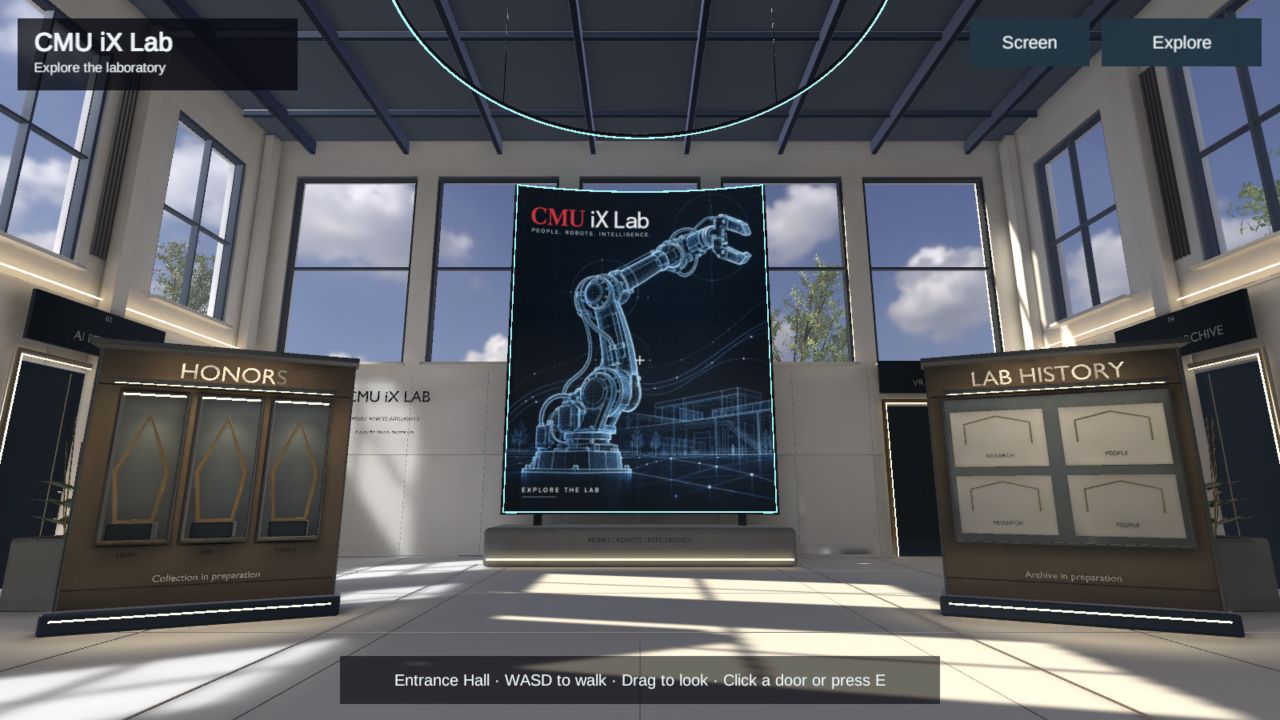
A twelve-metre-high gallery welcomes you with a monumental media screen, honors displays and a lab timeline. Pause here, then choose a doorway into each research space.
Enter on a desktop browser and choose Auto tour to follow the laboratory route. Pause, move freely or skip to the next stop at any time. The 3D scene loads when you enter.
The idea
Research spaces.
A shared centre.
The entrance hall is a complete first destination. A tall curved screen anchors the view, while distinct doorways lead to robotics, AI Consulting, AI Persona and the history archive. Each room opens when it is ready.
This is a design exploration presented by RealityCore. The images below show the working browser scene and a material study rendered from the Blender source. Honors and archive displays reserve space for verified material.
Inside the lab
A closer look.
Explore the rooms and shared features
before opening the walkthrough.
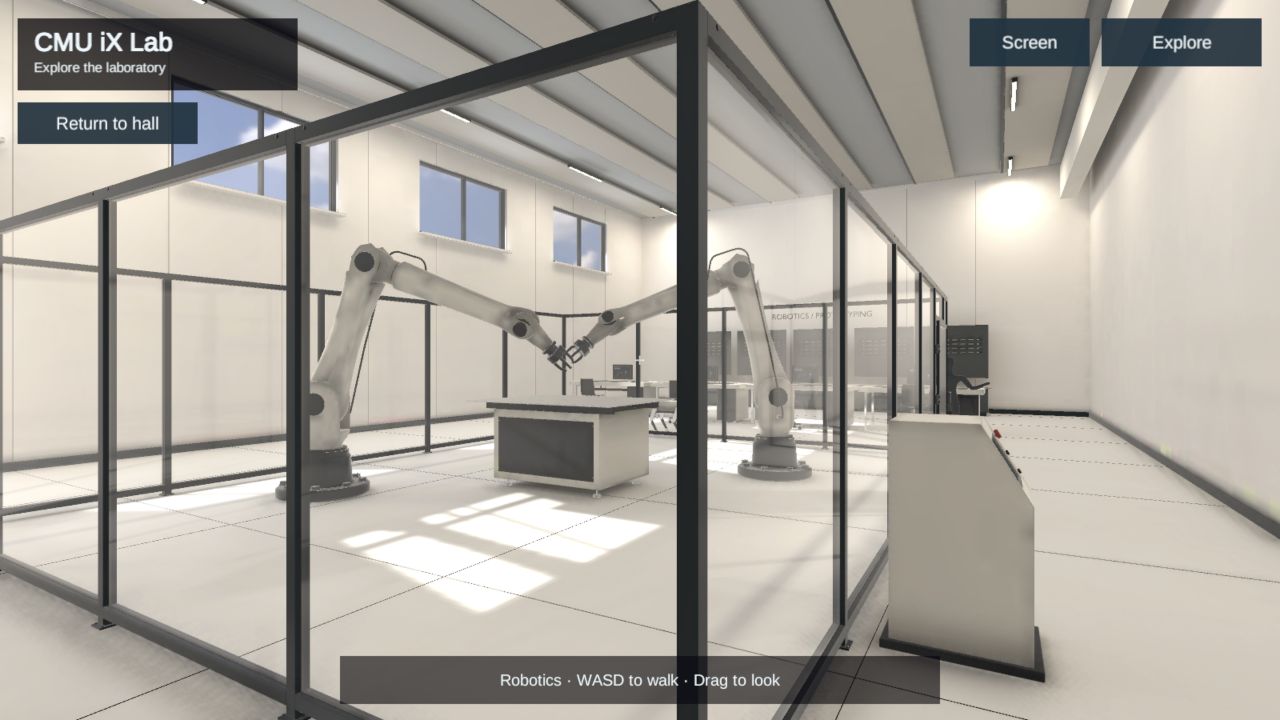
Browser capture / Robotics
Space to build.
Mechanical arms and workbenches sit beneath a tall daylight ceiling, with mineral walls, dark metal framing and a clear demonstration area.
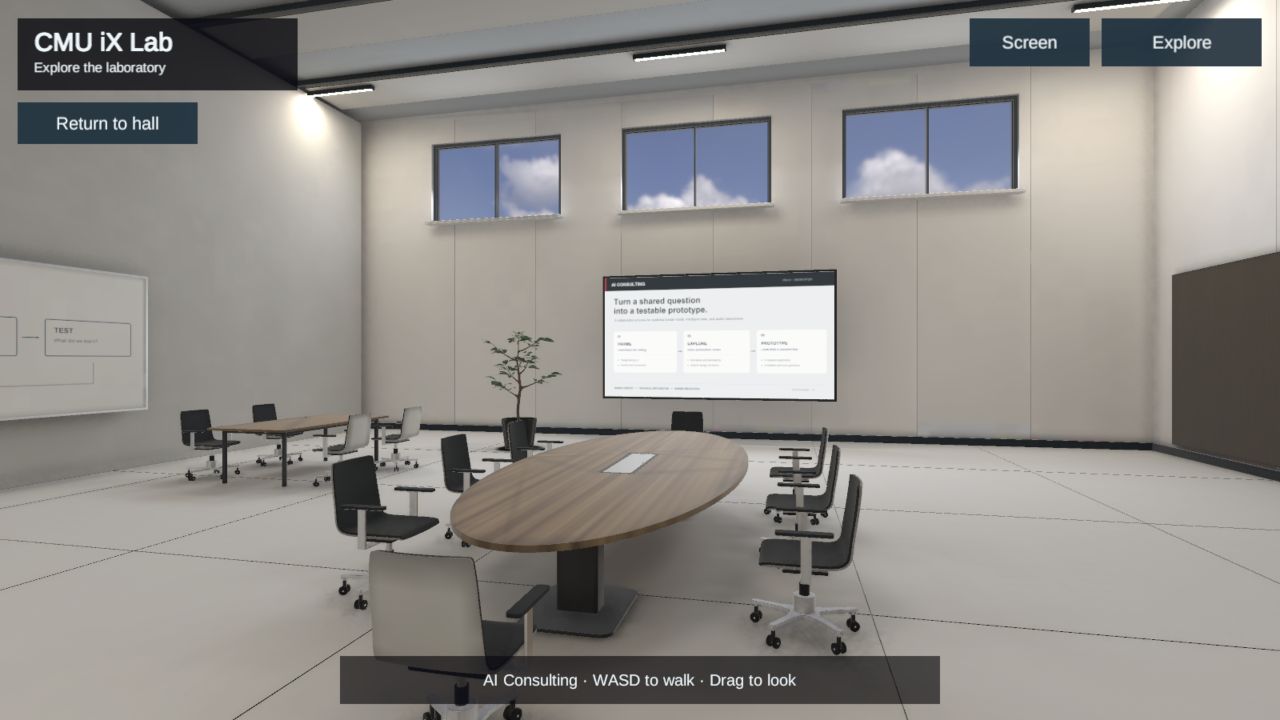
Browser capture / AI Consulting
Room for a shared question.
Warm oak, soft wall panels and high windows surround the presentation table and workshop displays.
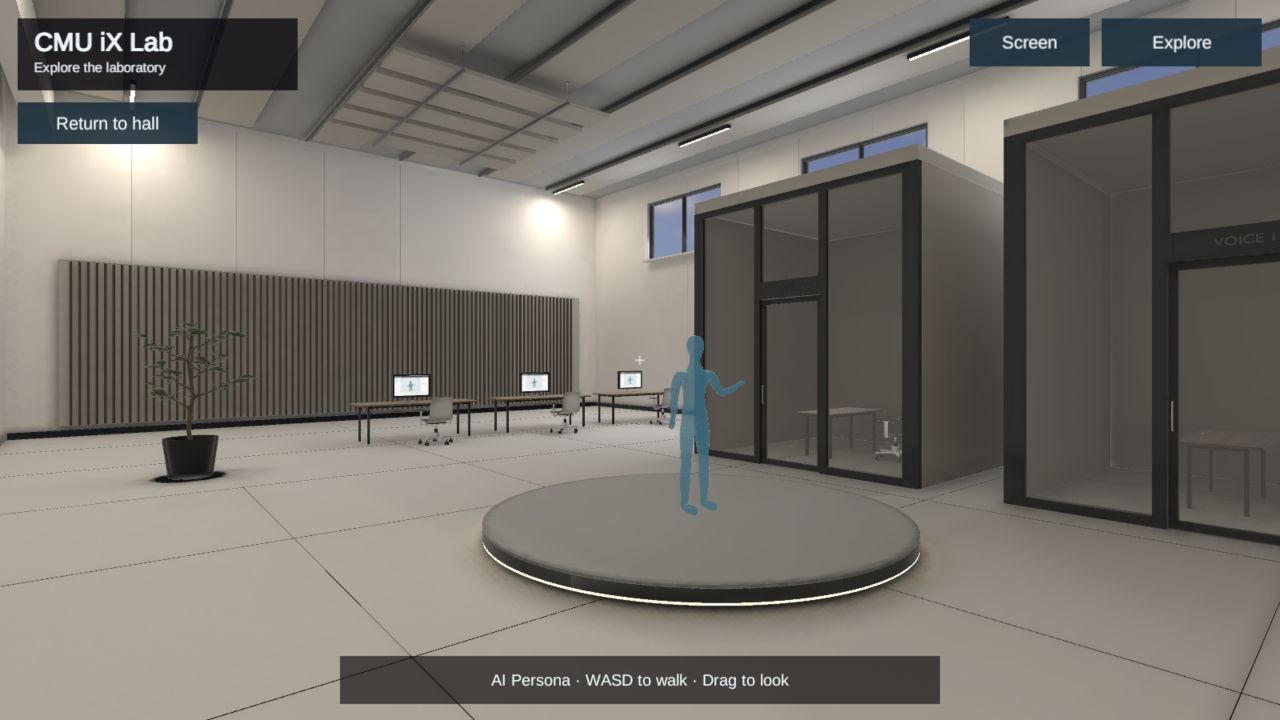
Browser capture / AI Persona
A stage for interaction.
A central persona display sits beside workstations and individual booths, with restrained blue light and acoustic wall panels. This area demonstrates the spatial layout; a live AI service is not connected.
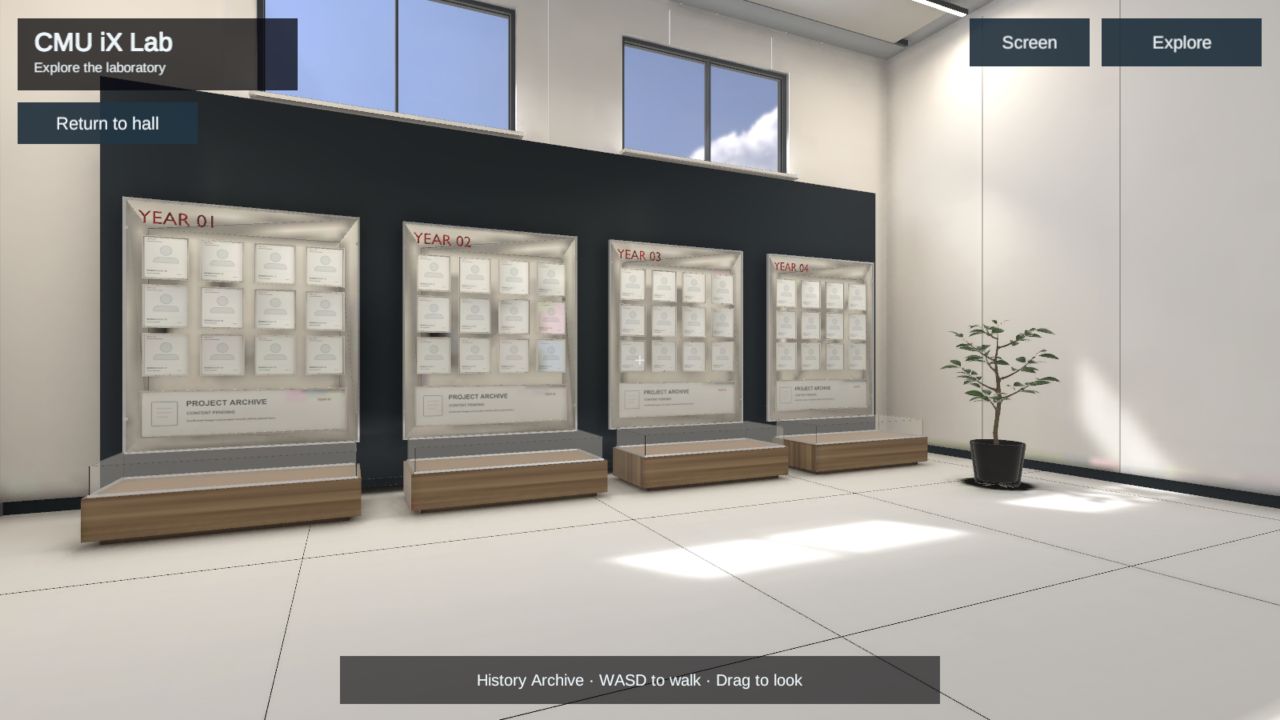
Browser capture / Lab History
A place for the people.
A year-by-year wall creates room for team portraits and past projects. The archive panels currently contain placeholders for approved historical material.
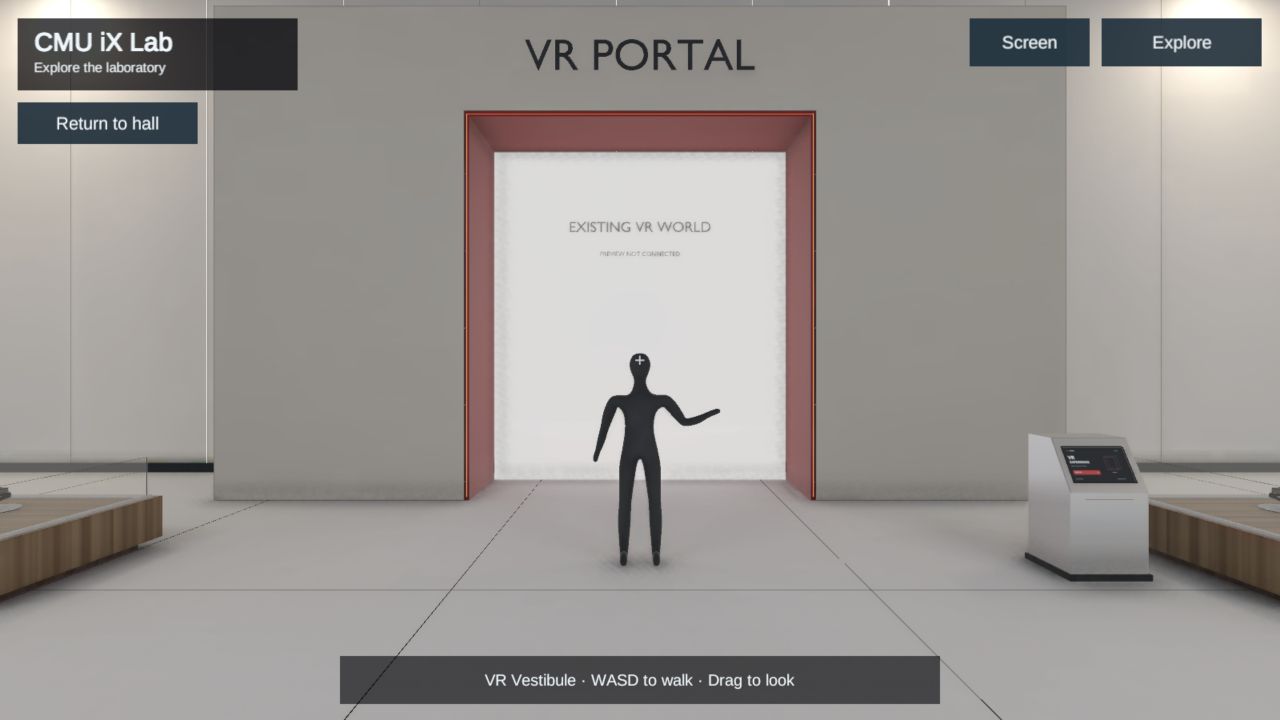
Browser capture / VR Portal
A doorway to another world.
A dedicated destination for a separate VR experience. The portal is part of the design and is not connected to an external project yet.
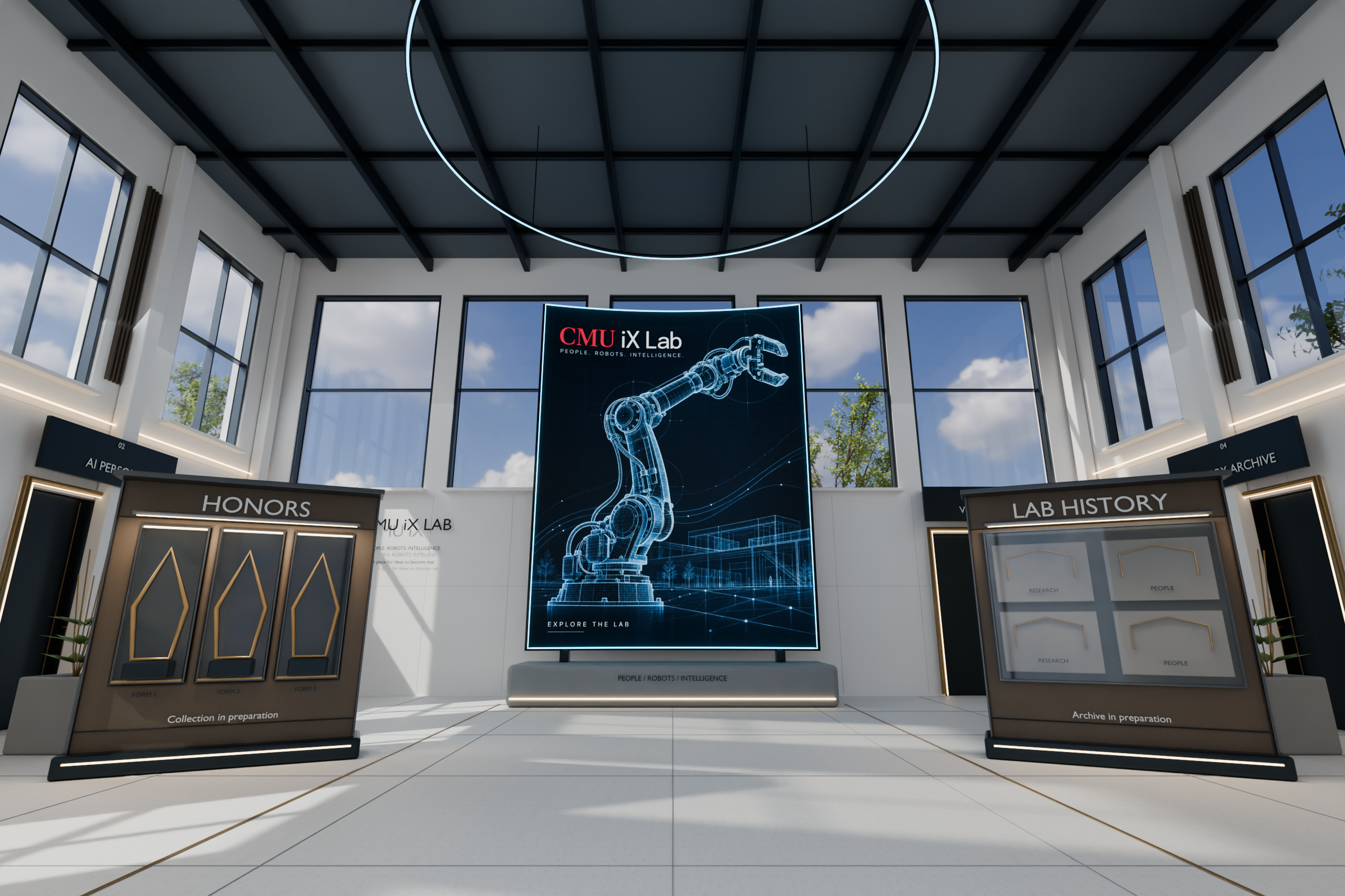
Blender render / Media screen
A first impression at full height.
The curved screen anchors the Blender entrance design. In the browser walkthrough, open Screen to play the existing panoramic demo video; its original proportions are preserved.
Your visit
Take your
own route.
Browse the entrance displays, then use a door or Explore to choose a room. Return to the entrance hall whenever you want to change direction.
Enter the labDesktop browser recommended. First loading time depends on your connection and device.
Before you enter
- WASD
- Walk through the space.
Arrow keys also work. - Click + drag
- Look around the scene.
- Explore
- Choose a destination, or return to the entrance hall.
- Click a door
- Enter a nearby room. You can also aim at a door and press E.
- E
- Open a focused display.
- Esc
- Close an information panel.
This walkthrough presents a spatial design concept. AI Consulting and AI Persona demonstrate rooms and displays; live AI services are not connected.